On-Premises Terra Model Reconstruction Server Deployment
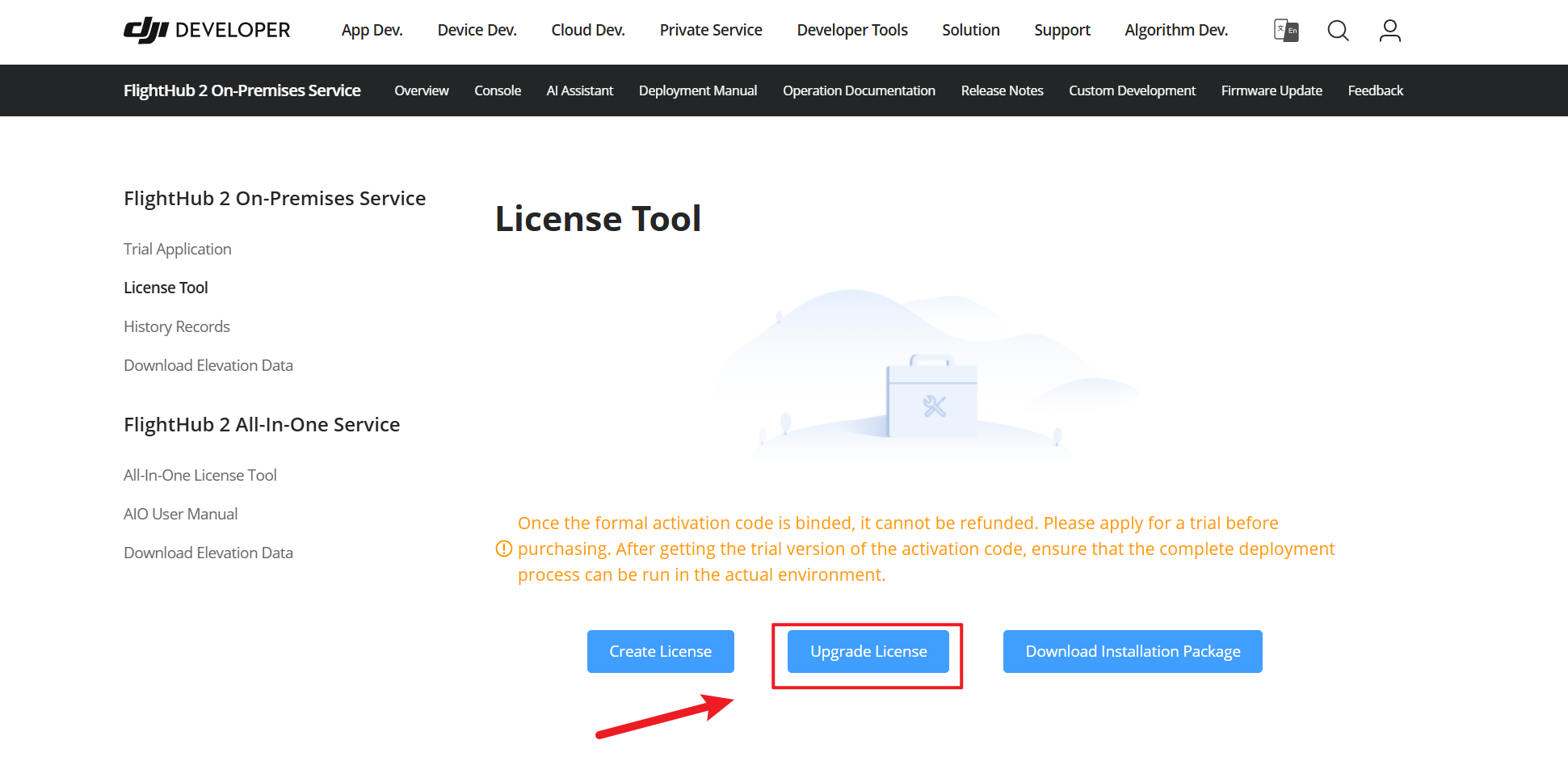
Before deploying the Terra Model Reconstruction service, obtain the required license. On the FlightHub 2 On-Premises product page on the DJI Developer website, open 「License Tool」 and click 「Upgrade License」.
The model reconstruction service must be deployed on a GPU server.
Preparation
Hardware Requirements
| Configuration Items | Recommended | Description |
|---|---|---|
| CPU | 8 cores | The number of CPU cores significantly affects model reconstruction time. Configure it according to actual needs. |
| Memory | 32 GB or above | At least 32 GB of available memory is required to run model reconstruction tasks. 4 GB of available memory per CPU core is recommended. |
| Hard drive | At least 200 GB of available space. SSD recommended. | Adjust according to actual needs |
| GPU | A discrete NVIDIA graphics card with compute capability of 6.1 or above is recommended. | |
| VRAM (Video RAM) | 4 GB or above | At least 4 GB of available VRAM is required to run model reconstruction tasks. VRAM capacity affects model reconstruction time. Configure it according to actual needs. |
Operating System and Core Components
Only the x86 architecture is currently supported. Other requirements are the same as those of the DJI FlightHub 2 platform.
GPU Driver
Install a stable, compatible official NVIDIA graphics driver on a server that meets the operating system and core component requirements above.
Network Requirements
| Port | Description |
|---|---|
| 2378 | GPU node container interface |
| 30805, 30817-30819 | Terra reconstruction entry point/GPU metrics reporting |
Deployment Process
1. Obtaining the License and Installation Package
Follow the "Downloading the License and Installation Package" section to obtain a license and installation package with Terra Model Reconstruction capabilities.
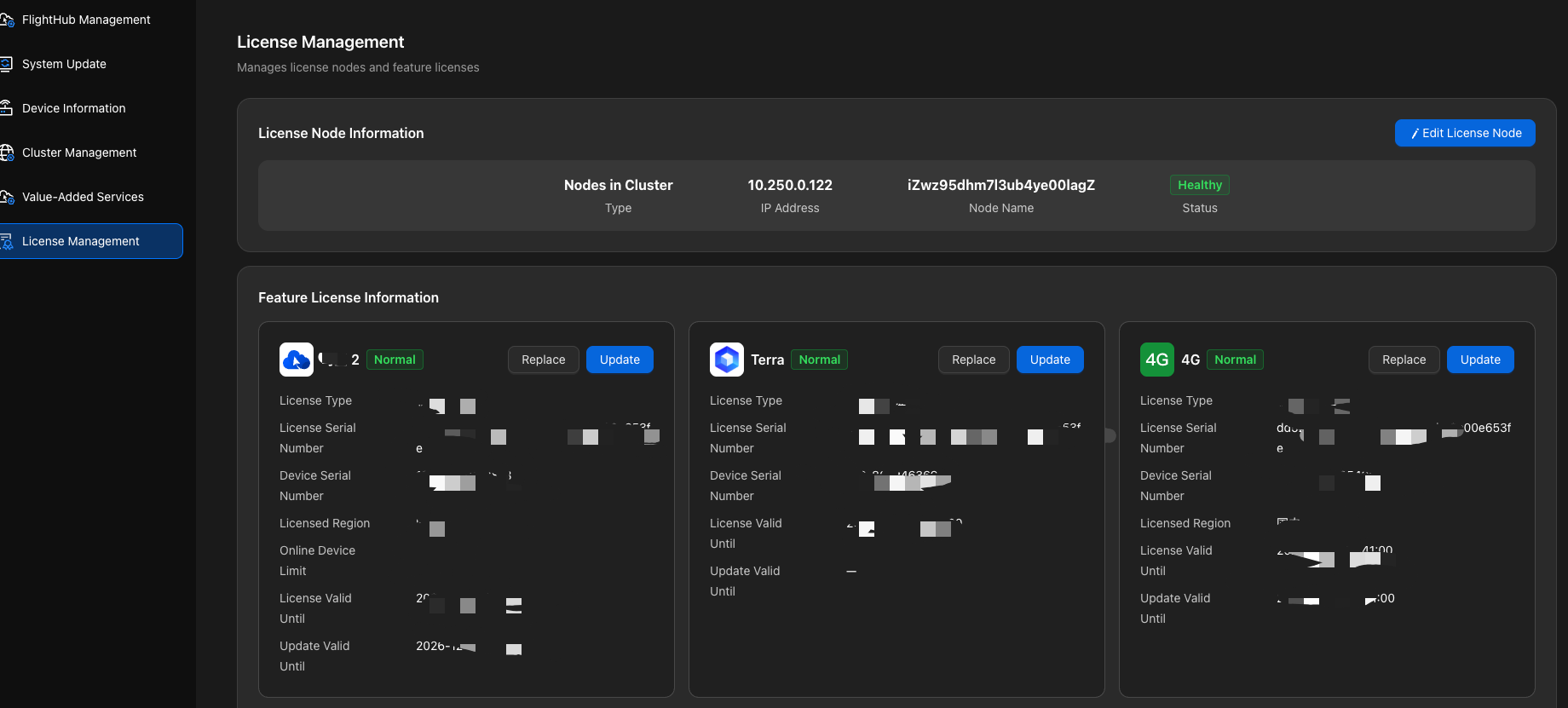
2. Import the Terra license under 「License Management」 in the Admin Console, then proceed to the next step.
Upgrade note for V1.7.1 and earlier versions: Starting with V2.0, licenses for Value-Added Services such as Terra and 4G must be installed on the same server as the DJI FlightHub 2 license and bound to the same server fingerprint. If existing licenses are bound to different servers, migrate the licenses through the after-sales support process. For details, see "Upgrading Historical Versions to V2.0".
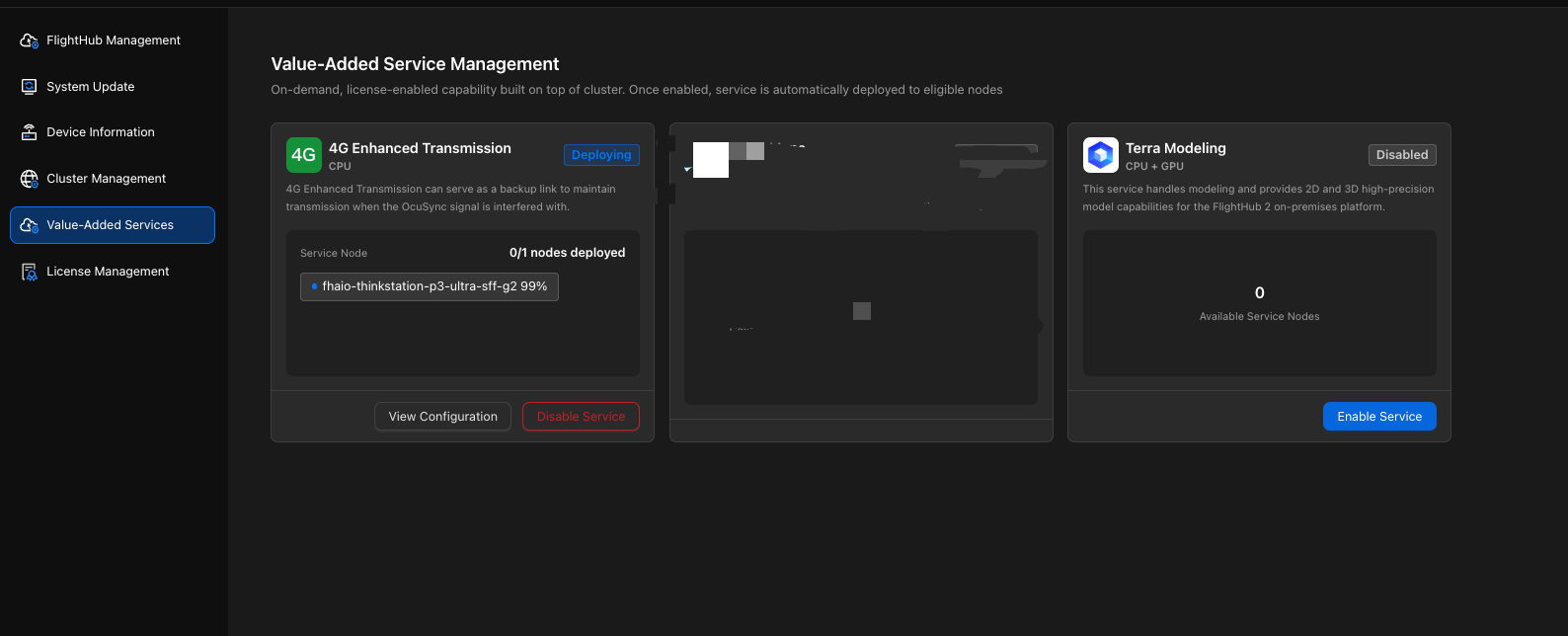
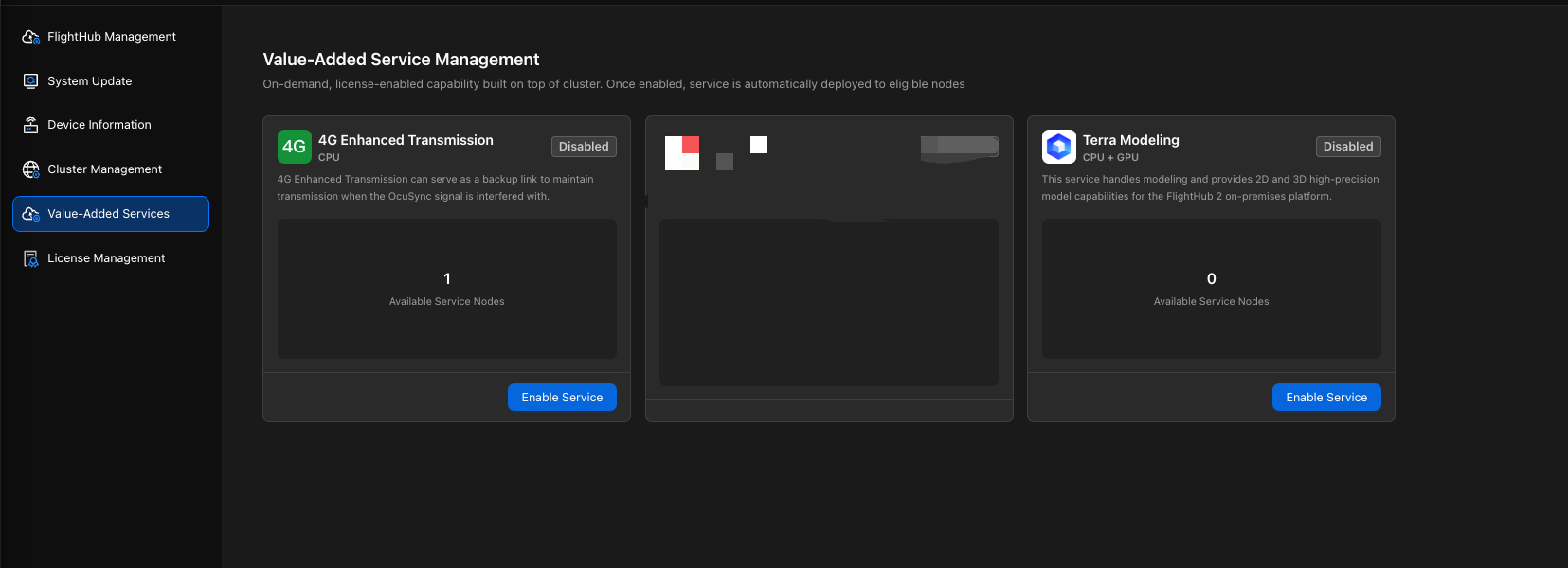
3. Enable the Terra service under 「Value-Added Services」 in the Admin Console and complete the configuration by following the instructions on the page.
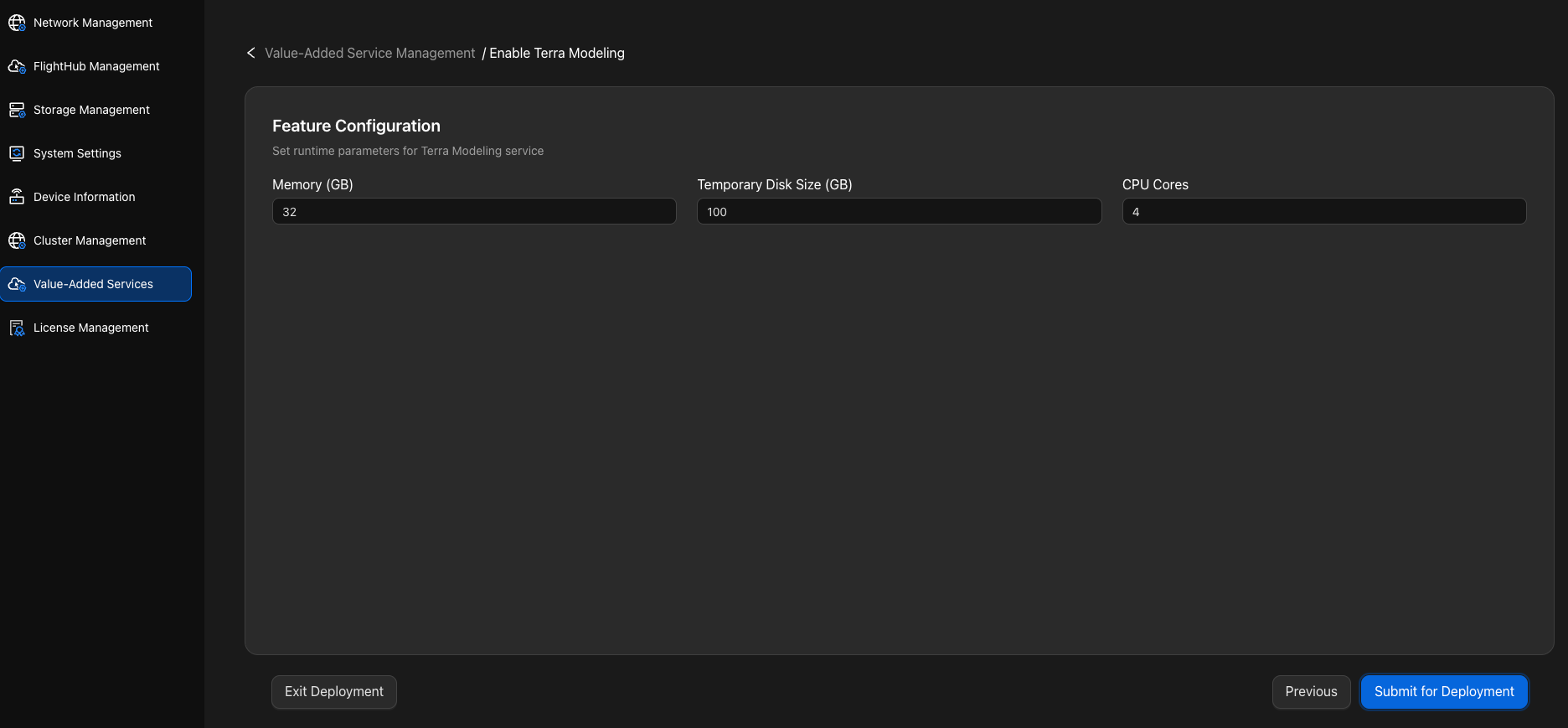
| Parameter | Description |
|---|---|
| Memory | The memory capacity allocated to Terra affects model reconstruction time. Configure it according to actual needs. At least 32 GB of available memory is required to run model reconstruction tasks. |
| Temporary Disk Size | The temporary disk space used for model reconstruction. Configure it according to actual needs. |
| CPU Core Count | The number of CPU cores allocated to Terra affects model reconstruction time. Configure it according to actual needs. |
4. After submission, the system automatically deploys the Terra service. You can view the node status and wait for deployment to complete.