Downloading the License and Installation Package
Process
Go to the FlightHub 2 On-Premises product page on the DJI Developer website. On the "License Tool" tab, click "Create License".
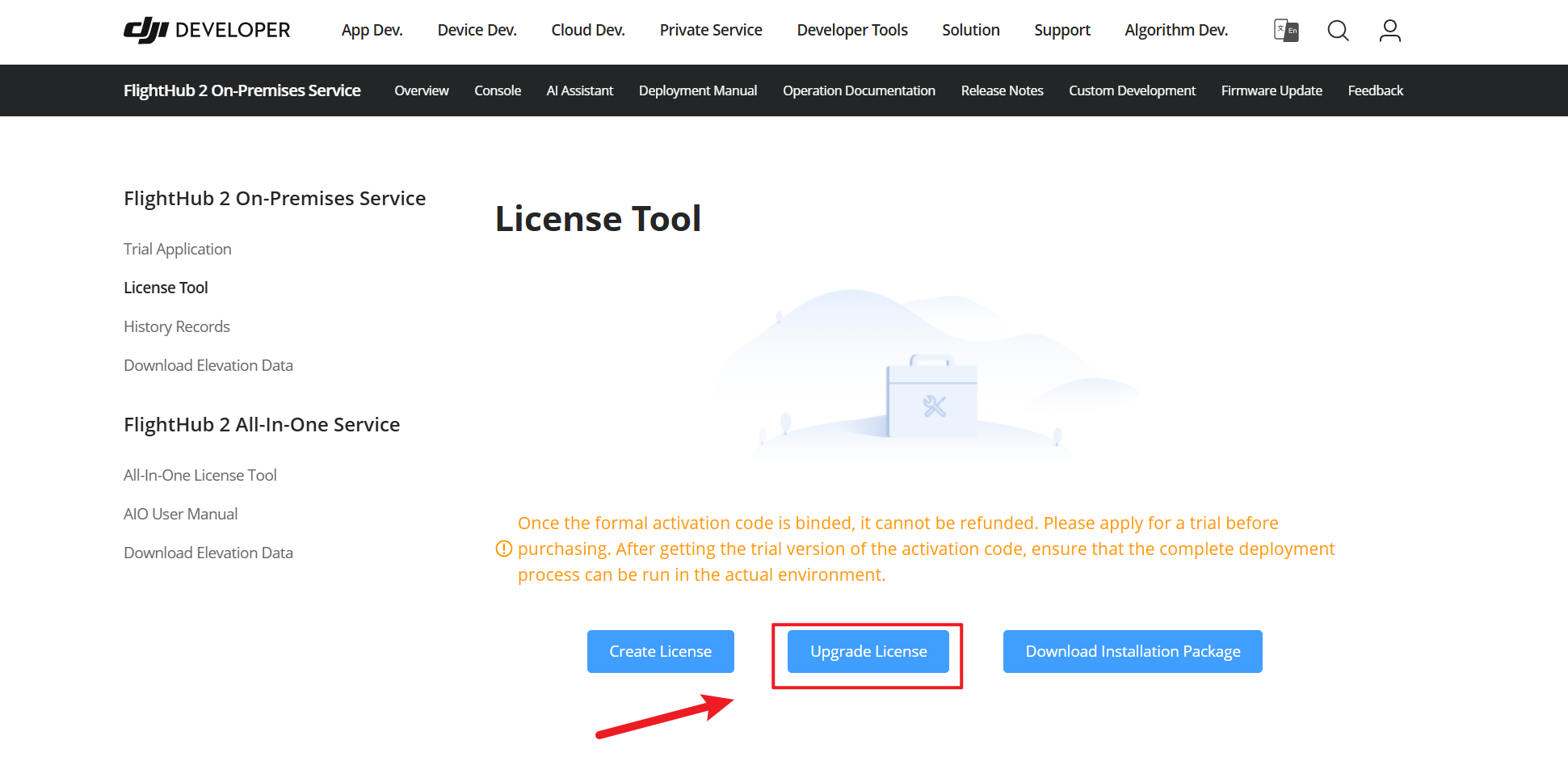
Use the activation code and server fingerprint file to create a license by following the instructions on the page.
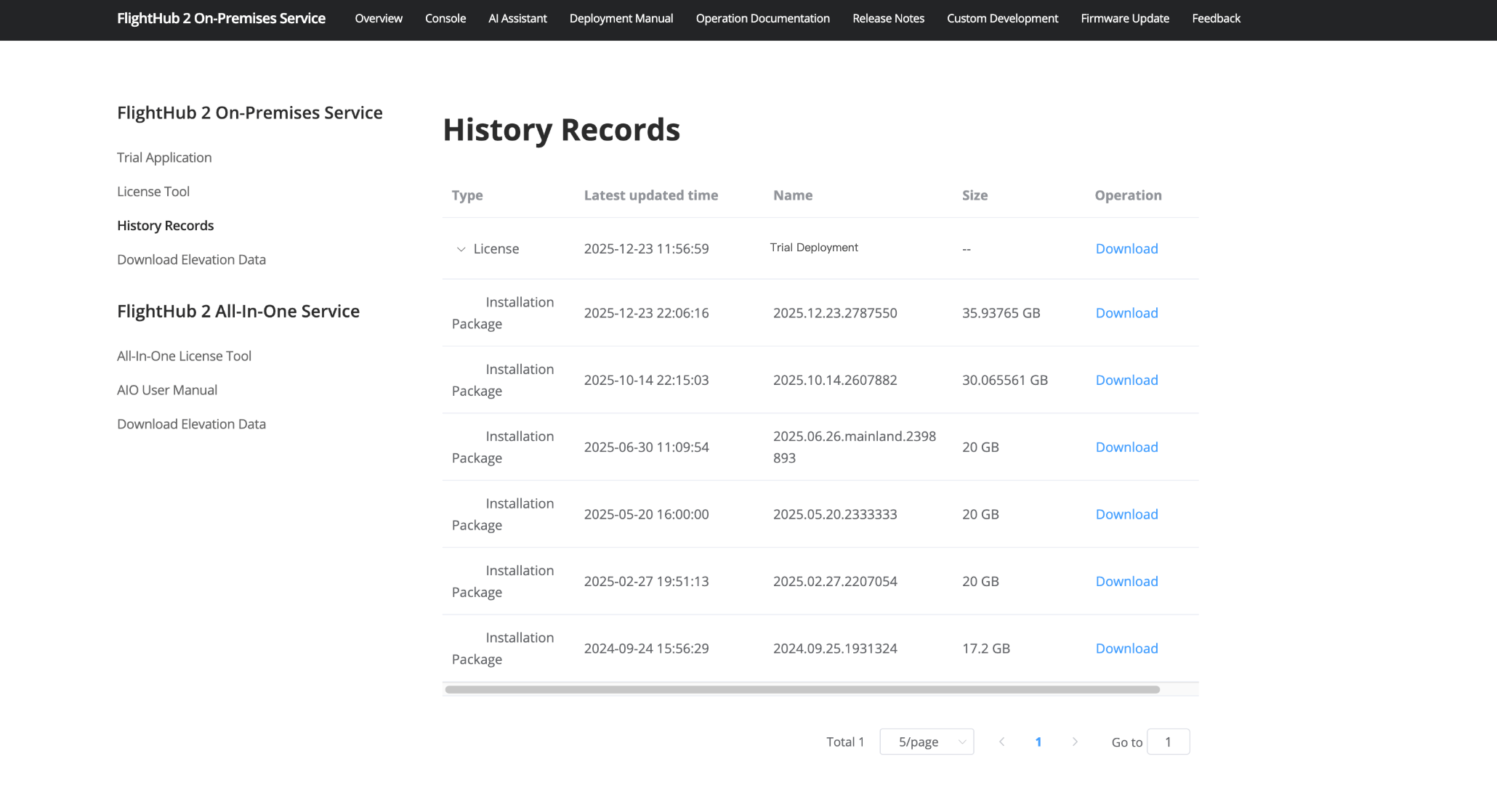
After creation, download the corresponding license and installation package from the completion page or "History Records".