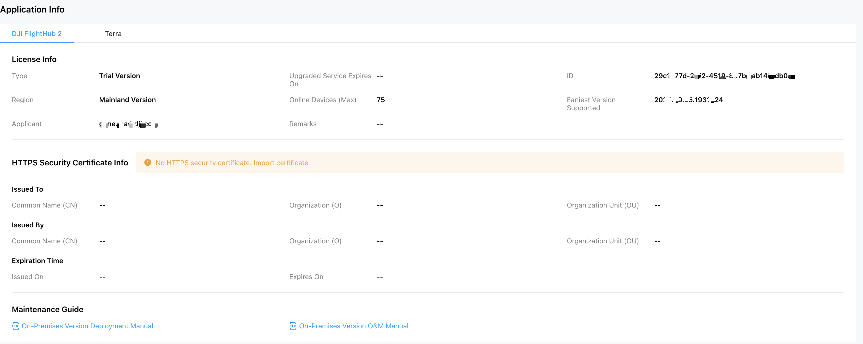
Once the license application is complete, the DJI Developer website will display a license details page where you can view and record the License ID.
The license is named using the License ID followed by the license generation date. You can extract the ID from the license name.
Refer to the DJI FlightHub 2 On-Premises Operation and Maintenance Manual to log in to the On-Premises operation and maintenance platform. You can check the License ID from the "Application Information" page. The link is: Operation and Maintenance Platform Documentation Link