
Environment Check
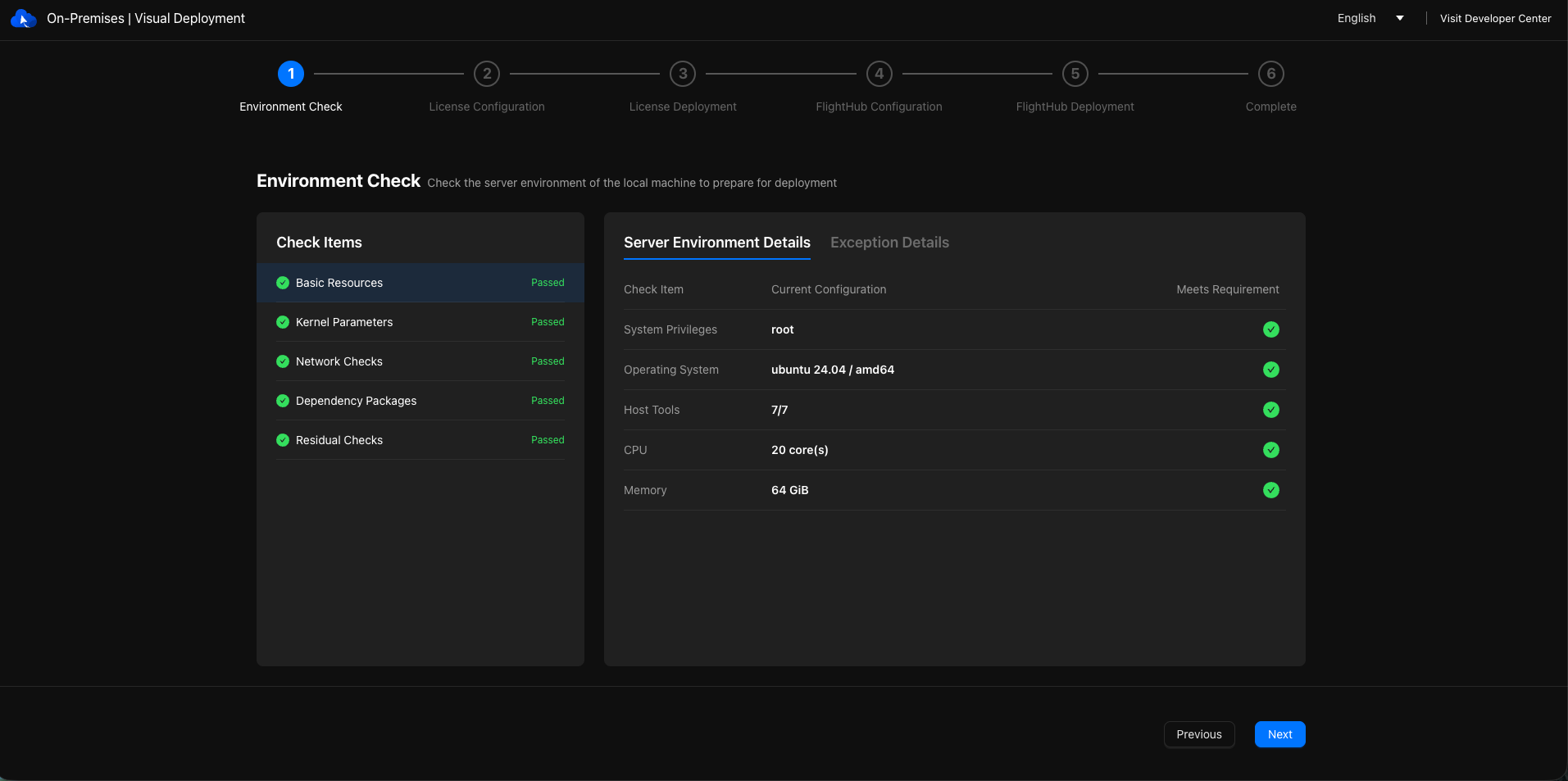
Check the target server's environment before installation to identify issues that could prevent deployment.
Instructions
- The environment check may report the following issues:
- Warning: An issue requires attention but does not prevent installation. Follow the prompts to determine whether the system will handle it automatically or manual action is required.
- Blocking: The environment does not meet a prerequisite. Resolve the issue and run the check again.
- If any blocking issues exist, you cannot click "Next Step". Resolve all blocking issues and pass the recheck before proceeding.
- If residual components requiring manual confirmation are detected, select how to handle them according to the dialog prompts.
- The system time difference between the computer running the browser and the target server must not exceed 30 seconds.