
FlightHub Deployment
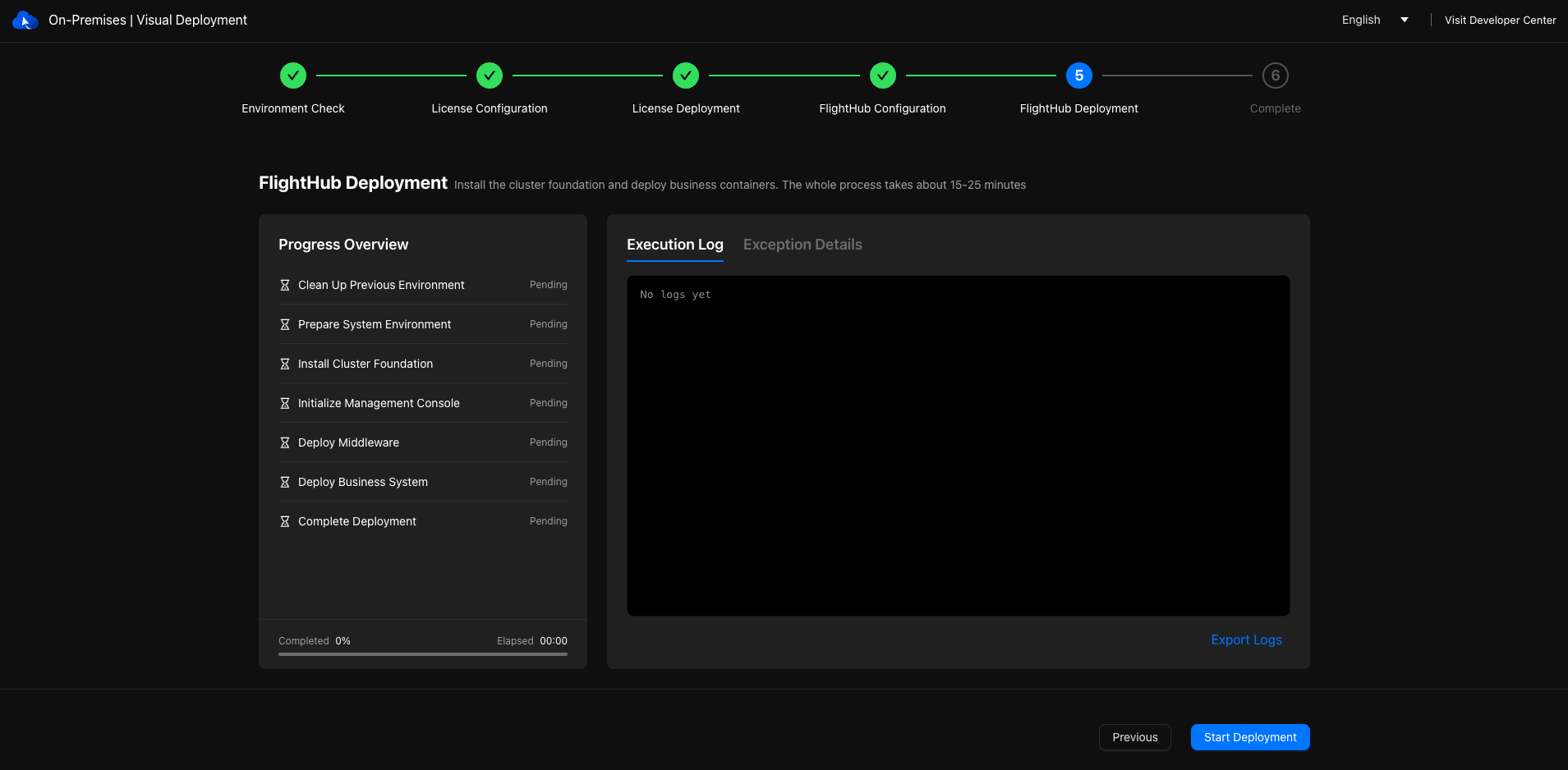
Start deploying DJI FlightHub 2. This step usually takes the longest. Once complete, the target server becomes the first node in the DJI FlightHub 2 cluster.
Instructions
After clicking "Start Deployment", view the current stage and overall progress on the progress dashboard. Use the real-time logs to track installation or troubleshoot issues.
Limitations
- If the browser is refreshed, the network disconnects, or the computer enters sleep mode during deployment, reopen the page to view the actual deployment status and logs.
- When deployment completes, the page may pause briefly before automatically redirecting to the completion page. No action is required.