
Starting the Installation Wizard
Start the Installation Wizard to complete visual deployment on the target server.
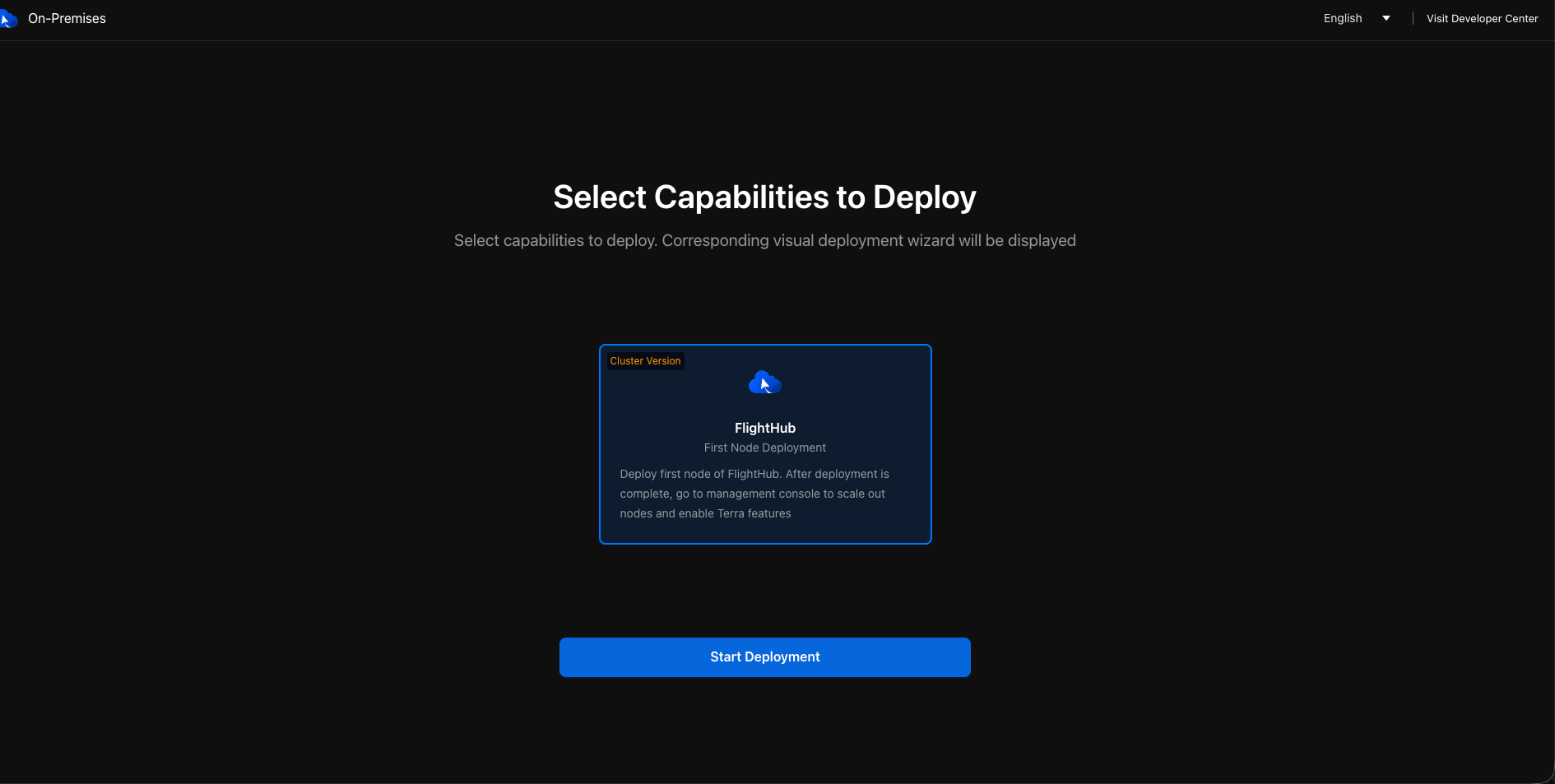
Instructions
Extract the installation package on the target server, enter the extracted directory, and confirm that its top level contains the
flighthub2-installerexecutable and thetoolandchartsdirectories.Run
sudo ./flighthub2-installer bootstrapas root.- All-in-one machine users should run
sudo ./flighthub2-installer bootstrap --deployment-type=FHAIO.
- All-in-one machine users should run
After running the command, open the Installation Wizard address displayed in the terminal in a browser, for example,
http://<IP>:30888.
Limitations
- The installer must run as root.
- Only one installation process can run on a server at a time. Additional startup attempts will be rejected.