
Switching Account System
The FlightHub platform uses the local account system by default and supports integration with a third-party account system. The login accounts and organization management methods differ between the two account systems. For details, refer to the "Organization Management" document in the documentation package.
Account system switching instructions:
- Go to the AIO Management Backend for configuration. Path: 「FlightHub Management」→「Account Settings」.
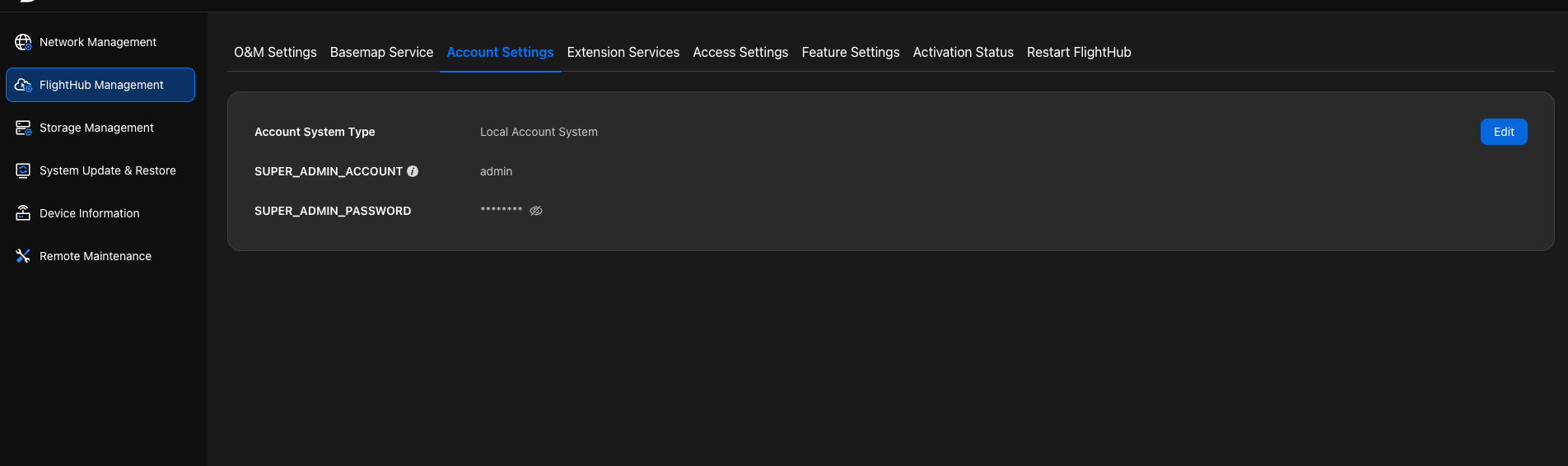
- Select the required system and configure it.