
4G On-Premises Enhanced Transmission Service Deployment
Deployment Process
1. Obtaining the License and Installation Package
Follow the "Downloading the License and Installation Package" section to obtain a license and installation package with 4G Enhanced Transmission capabilities.
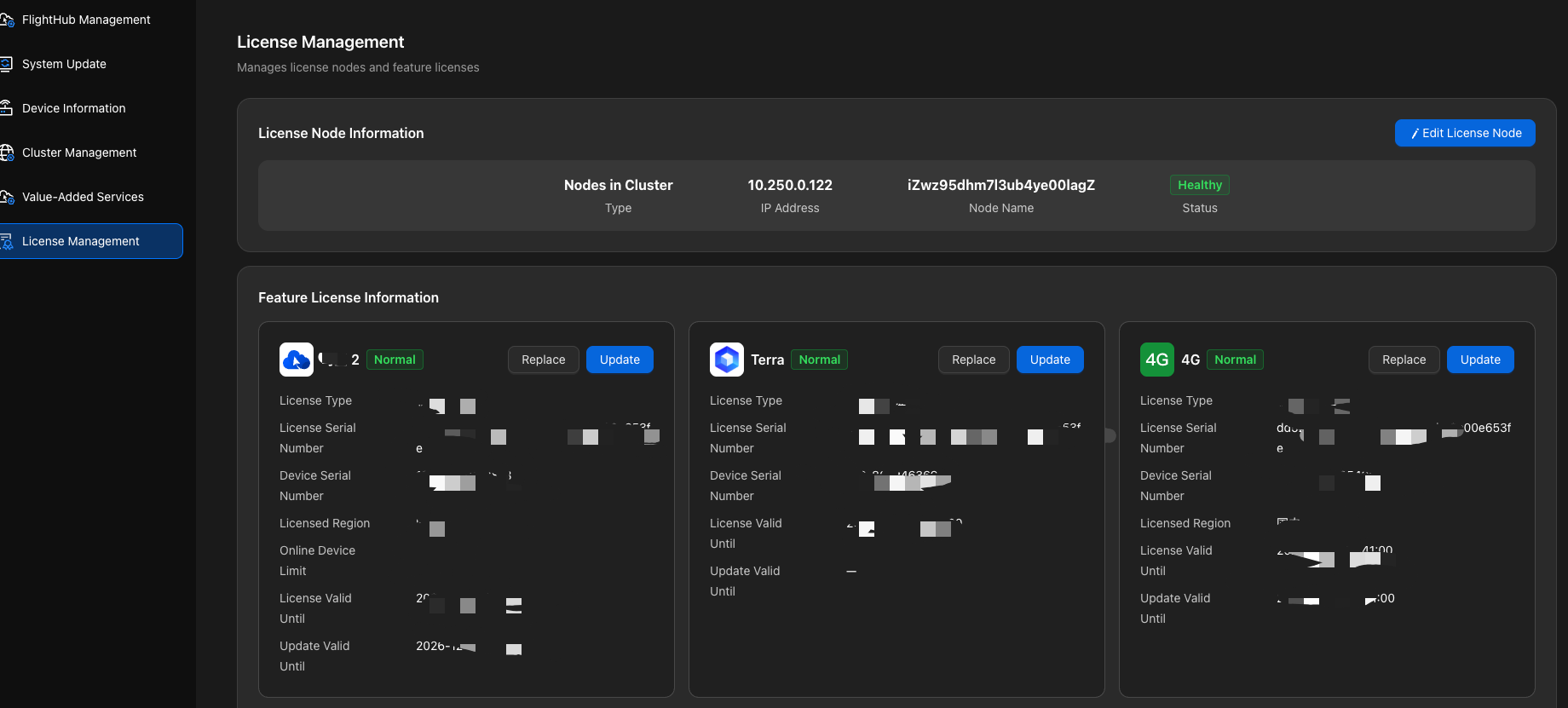
2. Import the 4G license under 「License Management」 in the Admin Console, then proceed to the next step.
Upgrade note for V1.7.1 and earlier versions: Starting with V2.0, licenses for Value-Added Services such as Terra and 4G must be installed on the same server as the DJI FlightHub 2 license and bound to the same server fingerprint. If existing licenses are bound to different servers, migrate the licenses through the after-sales support process. For details, see "Upgrading Historical Versions to V2.0".
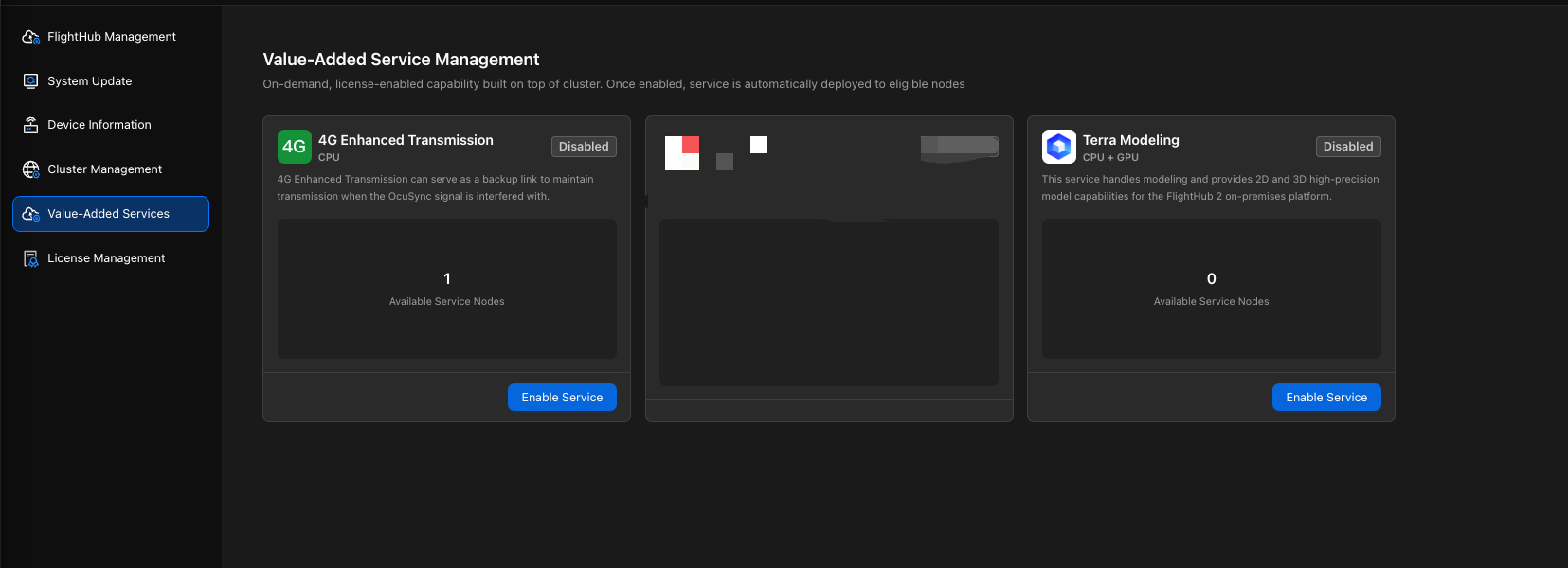
3. Enable the 4G service under 「Value-Added Services」 in the Admin Console and complete the configuration by following the instructions on the page.
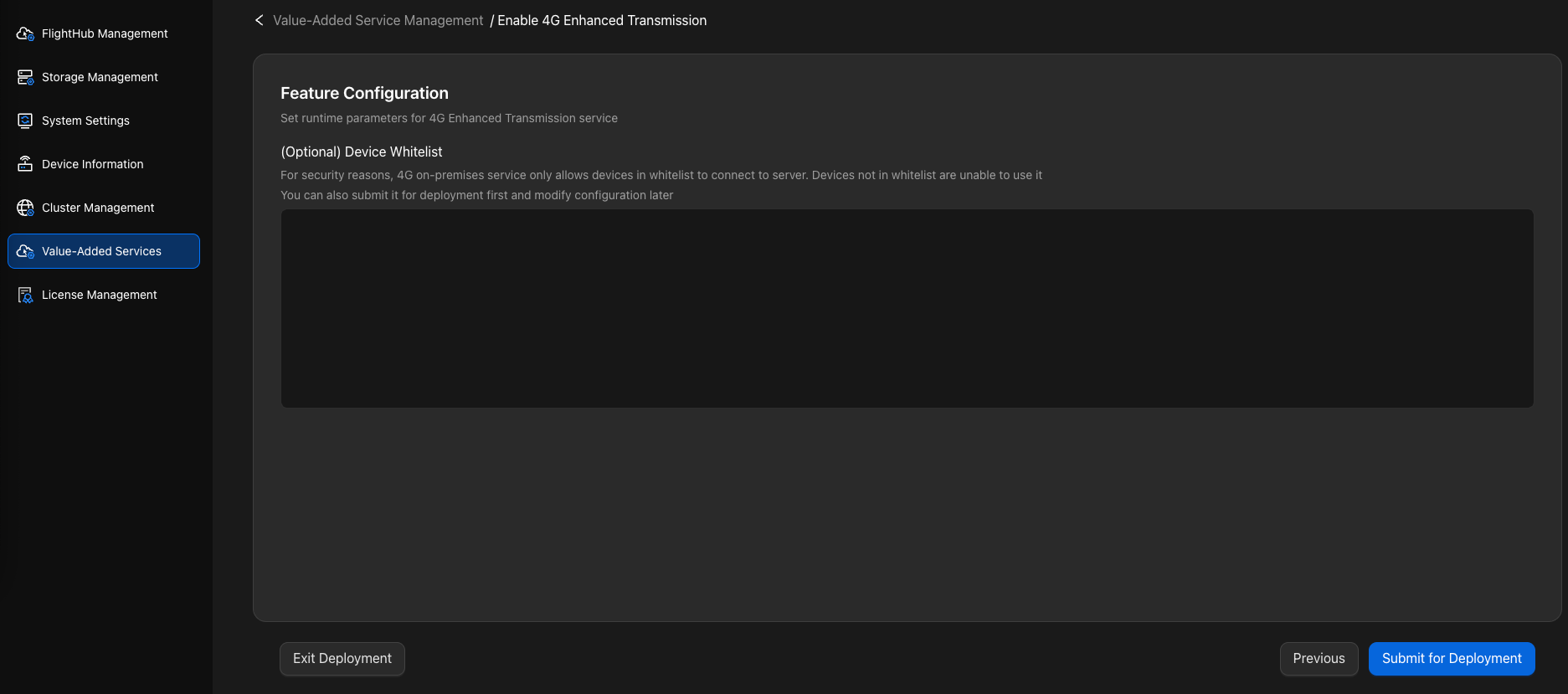
Parameter Descriptions
Device Whitelist: Enter the device SNs that need to use the 4G On-Premises service. Devices not on the whitelist cannot use this service.
Enter multiple device SNs on separate lines, one per line. Example:
=== 输入示例 ===
test_rc_sn_1
test_uav_sn_1
test_rc_sn_2
test_uav_sn_2
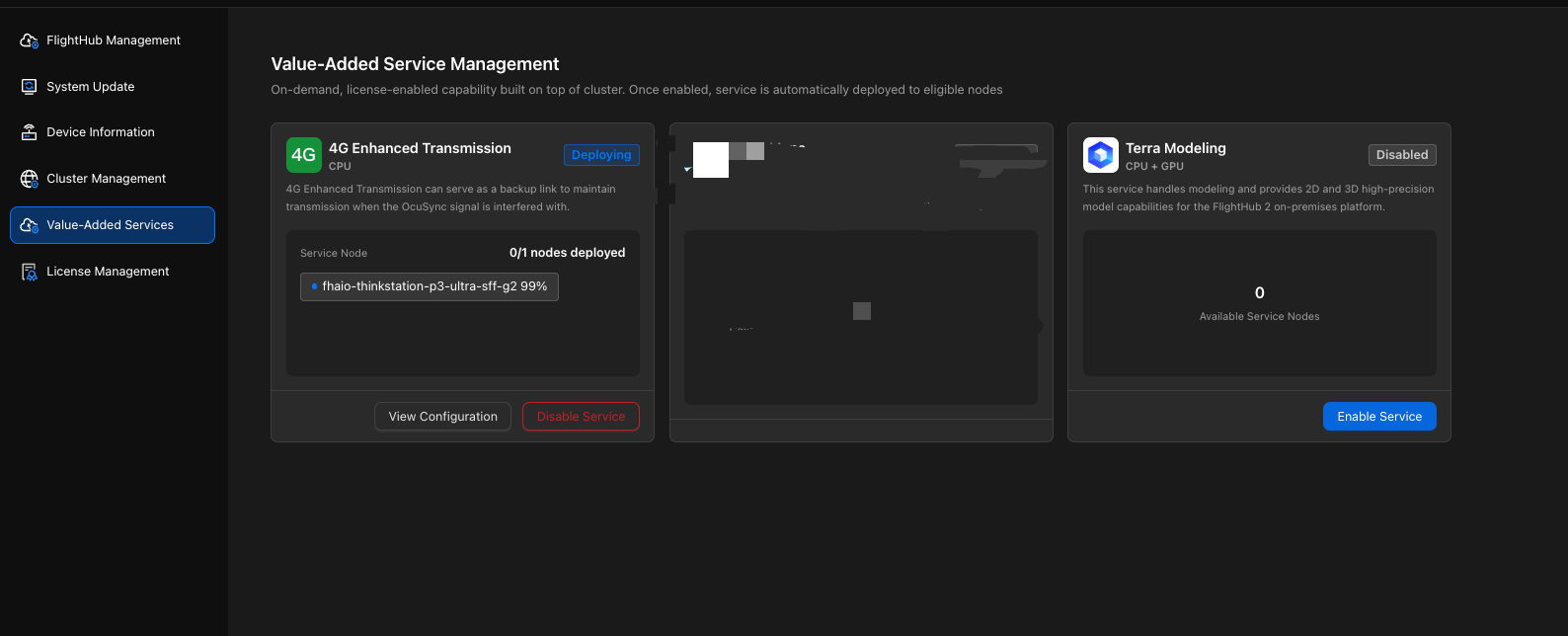
4. After submission, the system automatically deploys the 4G service. You can view the node status and wait for deployment to complete.
Notes
For instructions on using, operating, and maintaining the 4G service beyond deployment, see the 4G On-Premises Enhanced Transmission Service Deployment Manual.