
Import Elevation Data
Data Acquisition
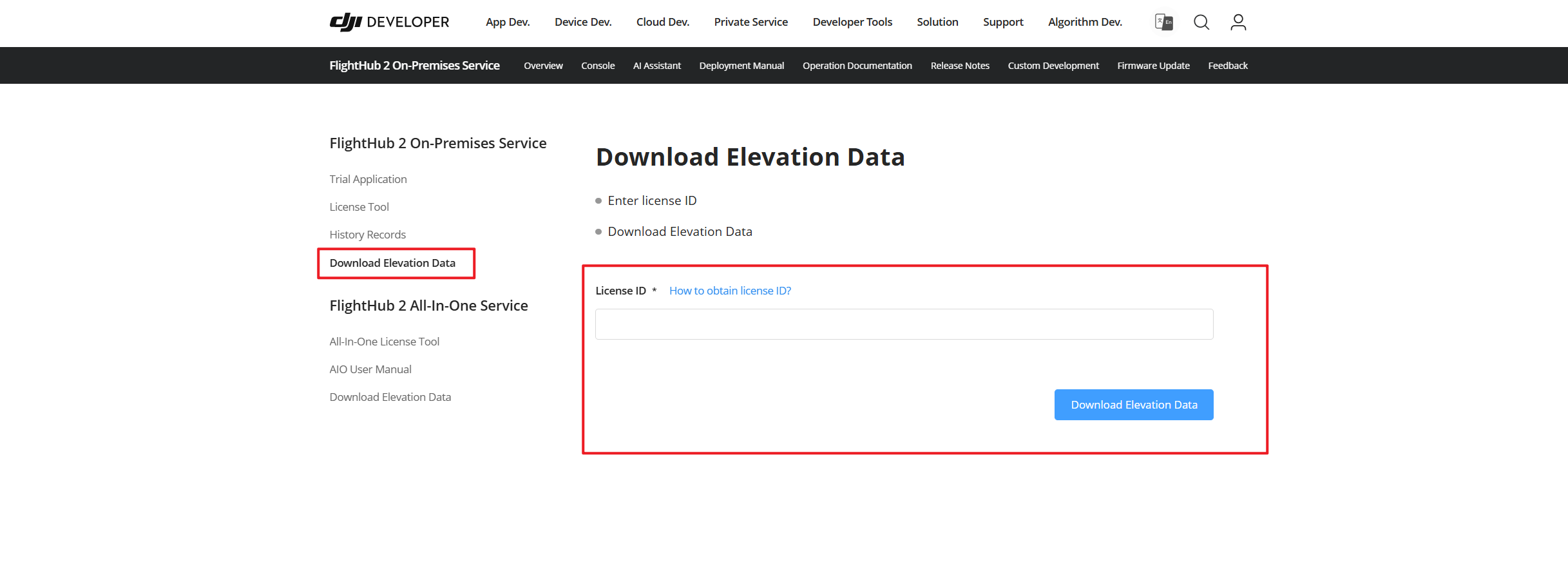
Log in to the DJI Developer console, enter the license ID, and go to the elevation data download page.
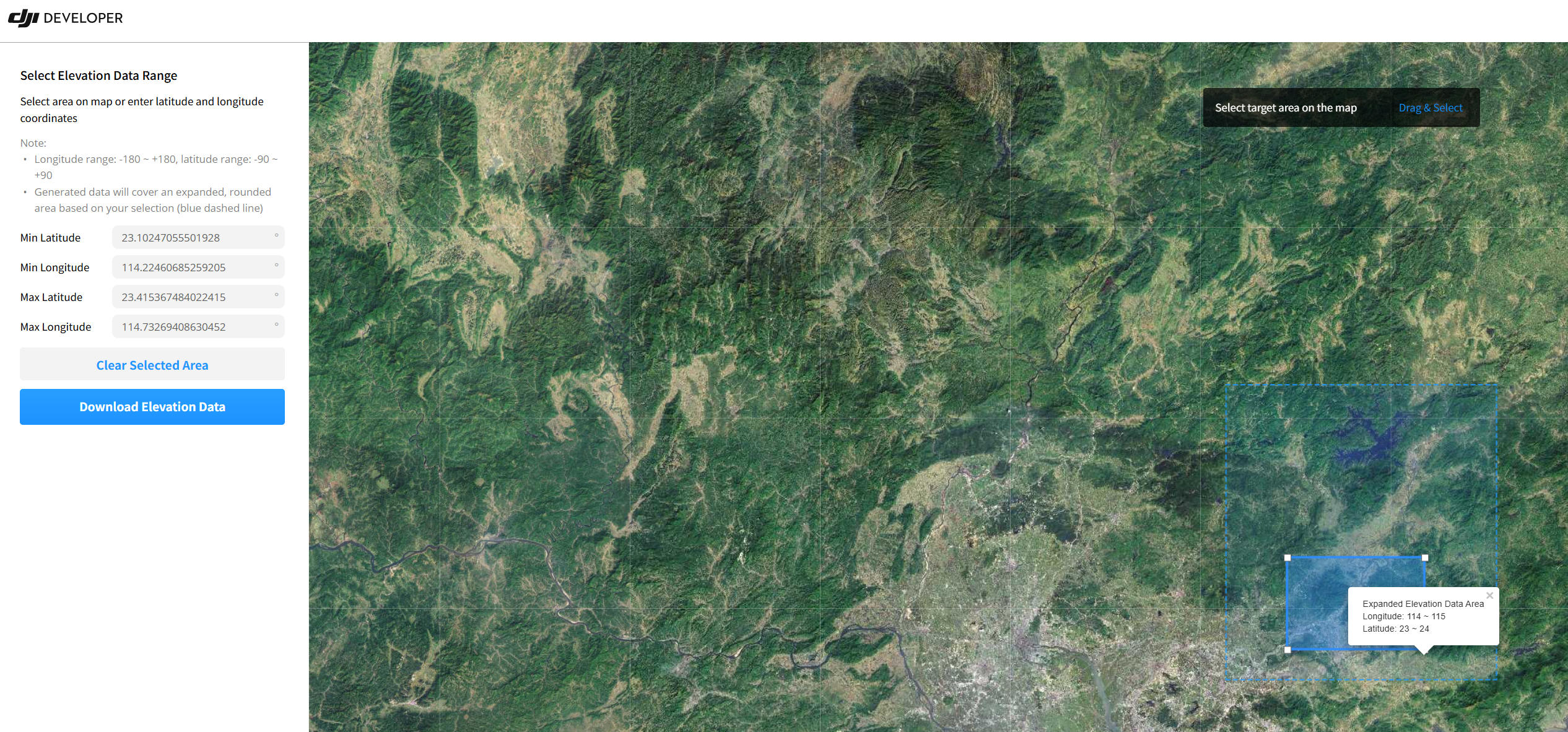
Select the required flight area and download the elevation data to your local device.
Data Publishing
Log in to the Admin Console.
Access
http://<对外访问 IP>:30888in a browser.- External access IP: The cluster's unified access entry point.
- 30888: The fixed port for the Admin Console.
Upload the downloaded elevation data archive and click "Add".
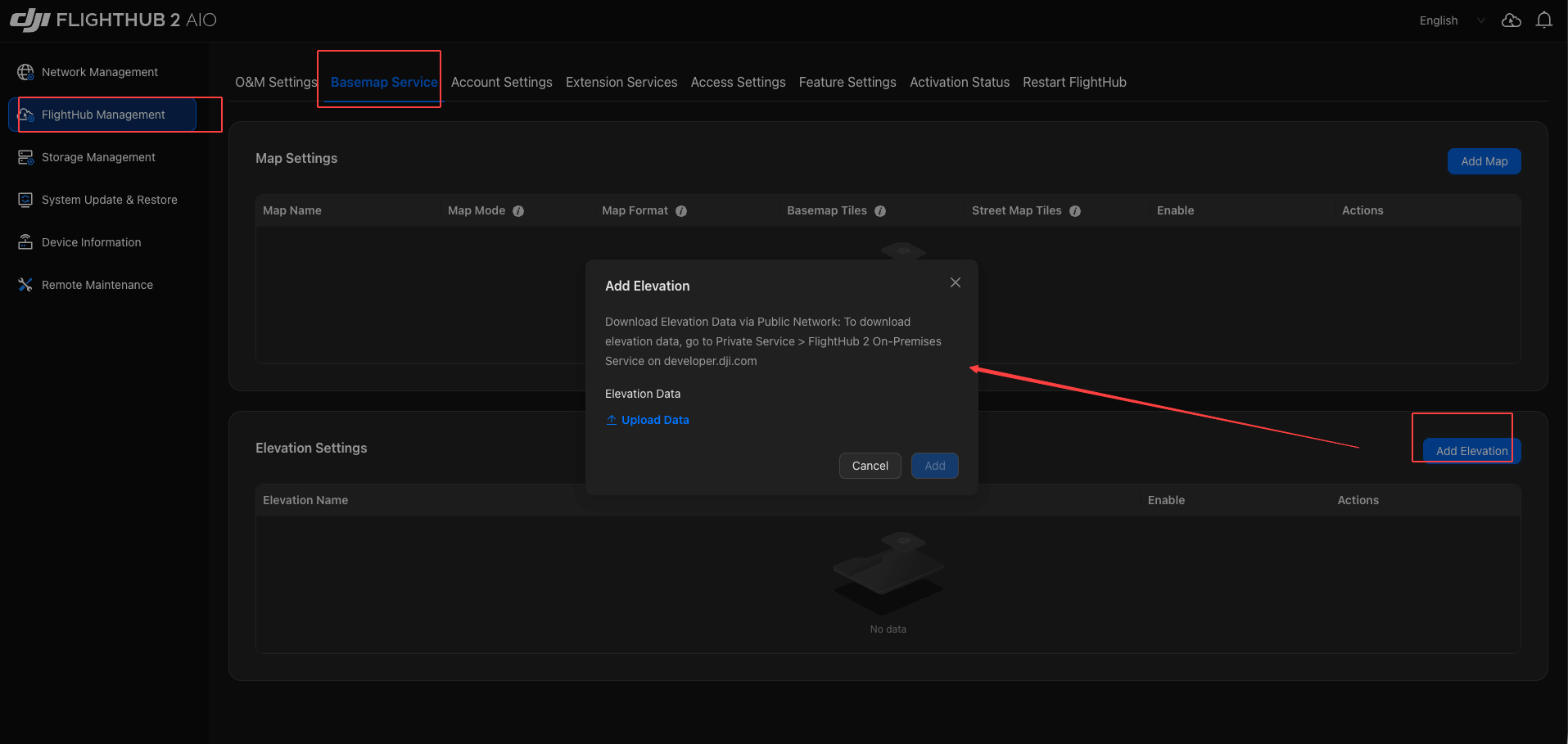
Note: If "network error or missing path permission" is reported during upload, check the system time on the client and server. A time difference of more than 15 minutes causes this error. For details, refer to "FAQ - File Upload Exception".
After the elevation data is successfully added, you can manage it in the Admin Console.
Process Reuse
This process also applies to replacing elevation data later.