
Plugin Link State
1. Feature Overview
The plugin app and Pilot run in two separate processes, and every capability Pilot exposes (AR projection, map widgets, file transfer, custom components, and more) relies on a cross-process connection between them. The connection state capability lets the plugin sense this link's status in real time: make business calls only after the connection is ready, stop operations and notify the user when it disconnects, and give clear guidance on version incompatibility. It is the prerequisite for using every other open capability.
1.1 Capability Overview
| Capability | Description |
|---|---|
| Connection state listening | Register a listener to receive plugin-to-Pilot connection state changes in real time |
| Version compatibility error | Receive an error callback via the listener when the plugin and Pilot versions are incompatible |
| Listener removal | Remove the listener when the page is destroyed to avoid the callback holding a page reference |
1.2 Use Cases
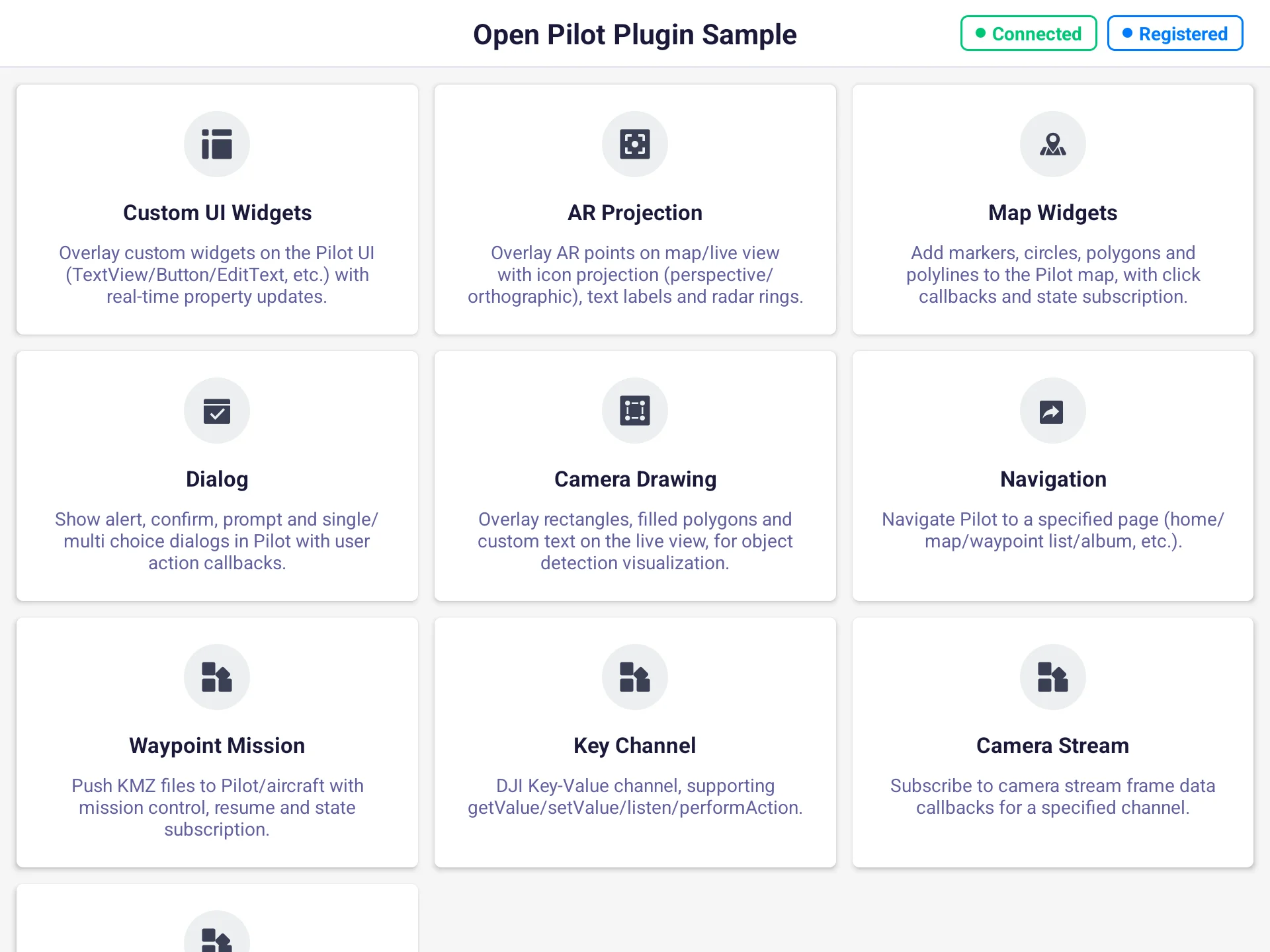
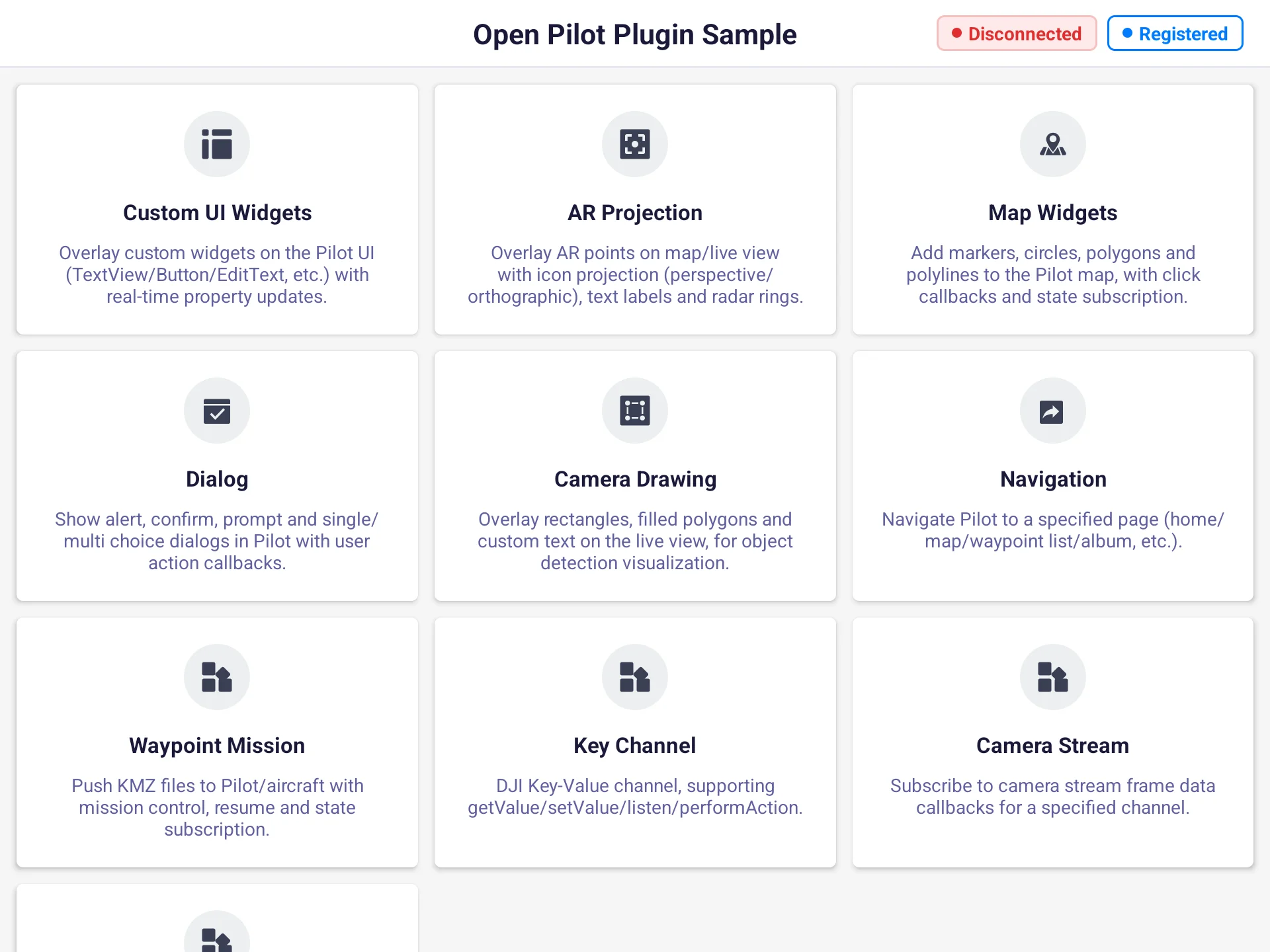
- Plugin home page: show a "connected / disconnected" state badge
- Business initialization: upload AR configs or draw custom components only after connecting
- Failure fallback: pause data reporting on disconnect and guide the user to check Pilot
2. Interface Call Examples
The examples below assume you have completed SDK initialization (link mode REMOTE_PILOT) and the plugin has been launched by Pilot. All interfaces are called through the manager singleton RemoteLinkManager.getInstance().
2.1 Listen for Connection State (addServerStateListener)
Register an IServerStateListener to receive two kinds of callbacks: state changes and version compatibility errors. The connection is driven automatically by the SDK initialization flow; the plugin does not initiate it:
val linkManager = RemoteLinkManager.getInstance()               // get the manager singleton

private val serverStateListener = object : IServerStateListener {
    override fun onStateChanged(status: ServerState) {
        when (status) {
            ServerState.CONNECTED -> { /* ready: you can call other open capabilities */ }
            ServerState.DISCONNECT -> { /* disconnected: stop calls, notify the user */ }
            ServerState.INCOMPATIBLE -> { /* incompatible: guide the user to align versions */ }
            ServerState.UNINITIALIZED -> { /* service not initialized */ }
        }
    }
    override fun onVersionCompatibleError(error: IDJIError) {
        // version incompatibility details; get the code via error.errorCode()
    }
}

linkManager.addServerStateListener(serverStateListener)         // re-adding the same listener is de-duplicated
ServerState has four values, the basis for the plugin's connection decisions:
| Enum | Meaning | Typical trigger |
|---|---|---|
UNINITIALIZED | Service not initialized | SDK not yet initialized |
CONNECTED | Connected | Each manager's delegate is injected and usable |
DISCONNECT | Disconnected | Pilot exits / process dies (also the singleton's initial state) |
INCOMPATIBLE | Version incompatible | Plugin and Pilot versions do not match |
Note: After a successful registration, the current cached state fires once immediately (initially
DISCONNECT), so no separate "query current state" interface is needed. The same state is not reported twice; only a real change triggers a callback.
Caution: The callback thread depends on the event source (e.g., the Binder death notification runs on a Binder thread). Switch to the main thread before updating the UI.
Preview:
2.2 Initialize Business Only After CONNECTED
Other open capabilities' delegates (ARManager, MapWidgetManager, FileTransferManager, etc.) are injected only after the connection is established, so business initialization should be gated on the CONNECTED branch:
override fun onStateChanged(status: ServerState) {
    if (status == ServerState.CONNECTED) {
        // From here, each manager's delegate is injected and safe to call, for example:
        // 1. Upload the plugin's SVG / image resources to Pilot
        // 2. Draw custom components, register each business manager's listeners
    }
}
2.3 Remove the Listener (removeServerStateListener)
Remove the listener when the page (Activity / Fragment) is destroyed:
override fun onDestroy() {
    super.onDestroy()
    linkManager.removeServerStateListener(serverStateListener)
}
Caution: The listener list is held long-term by the global singleton (
CopyOnWriteArrayList). Not removing it lets the anonymous inner class implicitly hold the outer Activity, causing a memory leak and an extra listener after page rebuild. Remove it inonDestroy.
3. Interface Overview
IRemoteLinkManager is the entry point of the plugin connection state management interface, exposing the following methods:
| Item | Description |
|---|---|
IRemoteLinkManager | Entry point of the plugin connection state management interface |
addServerStateListener | Add a connection state listener |
removeServerStateListener | Remove a connection state listener |
init | Initialize (currently an empty implementation; the connection is driven by the SDK init flow, no manual call needed) |
destroy | Destroy (currently an empty implementation) |
4. FAQ
Q1: Why do I get a callback immediately after registering, and it is DISCONNECT?
addServerStateListener fires the current cached state to the new listener right after a successful add, and the singleton's initial state is DISCONNECT. This guarantees that a listener registered at any time gets the latest state immediately, with no extra query interface. So do not assume "the first callback is a state change"; just branch on the state value.
Q2: What happens if I call another open capability (like AR projection) before CONNECTED?
Other managers' delegates are injected only after the connection is established. Calling before it is ready fails immediately with REMOTE_DISCONNECTED (available via error.errorCode()). It is recommended to gate all business calls after the CONNECTED branch (see 2.2), or handle REMOTE_DISCONNECTED retries in each callback.
Q3: Do I get duplicate callbacks when the state does not change?
No. Before updating, the SDK compares with the current value and discards duplicates. Only a real change (e.g., DISCONNECT → CONNECTED) triggers a callback.
Q4: What do I do on an INCOMPATIBLE state or an onVersionCompatibleError callback?
It means the plugin and Pilot versions do not match and the connection is unusable. Confirm the exact type via error.errorCode(), align the plugin and Pilot to mutually compatible versions, and reconnect.
Q5: Do I need to call init / destroy manually?
No. Both are currently empty implementations (reserved). The connection's establishment and teardown are driven by the SDK init flow; the plugin only needs to add / remove the listener.
Appendix: Error Code Quick Reference
The error codes below come from dji.open.pilot.base.error.RemoteError:
| Error code constant | Trigger | Suggested handling |
|---|---|---|
REMOTE_DISCONNECTED | Calling another open capability before the connection is ready | Retry after CONNECTED; see Q2 |